 iTech Plus
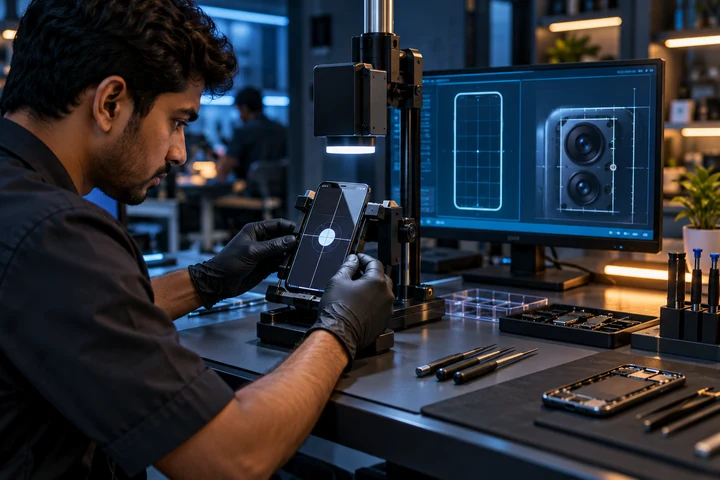
Start with the exact mobile and the exact problem
Repair assessment for Vivo display, battery, charging, camera and system problems. iTech Plus provides an assessment-led service from its Ashok Nagar location. Share the model name, what changed, when it began and whether the phone was dropped, exposed to liquid or recently updated. Clear information helps the team begin with the right checks.
What the assessment may cover
The symptoms are checked before a repair is recommended. Depending on the issue, this may include the display and touch response, battery condition, charging connection, cameras, speaker, microphone, buttons, network behaviour and software performance. Support is available for Vivo smartphones; model and part availability must be confirmed for the individual device.
Before approving a repair
- Ask what the inspection found and which component needs attention. - Confirm the compatible part option and what is included. - Request the complete quotation before work starts. - Discuss the expected turnaround and applicable service terms. - Back up important data where possible and ask before any reset or reinstall.
Share the Vivo model and symptoms. Back up data where practical and approve the repair only after discussing the diagnosis, parts and quotation.
Visit or send the details on WhatsApp
Bring the phone and, when relevant, the charger or cable that shows the problem. You can also send the model and symptoms to iTech Plus on WhatsApp before visiting. An enquiry does not confirm a diagnosis, price, part availability or completion time; the team confirms those details after reviewing the device.